


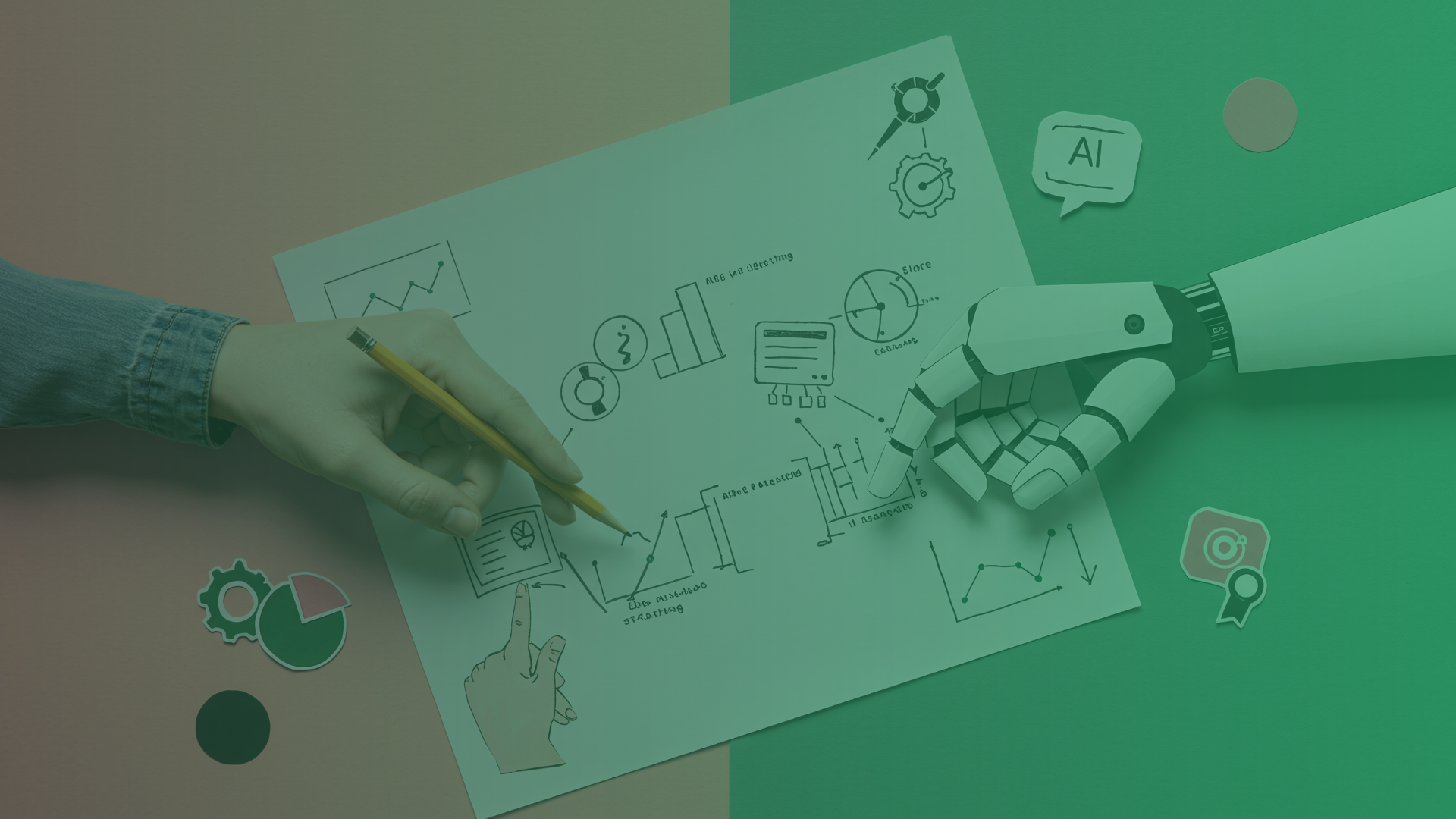
AI can feel complicated. However, it is often simple and user friendly, and it can support both small and large everyday tasks based on your needs. You can use it to write emails faster, plan your workweek, or get stronger decision support. The possibilities are many.
Here are a few practical ways to use AI in daily work, both for you as an individual and for your team.
How can AI help you write faster and better
AI tools like Microsoft Copilot, ChatGPT, or built in features in Word and Outlook can help you:
- Write emails or replies faster
- Structure draft reports or project descriptions
- Find new angles when you get stuck on a task
Try asking AI for different tones, such as formal, educational, or creative, so you get the right style for your audience. You can also ask AI to translate an email, for example from Swedish to English.
How can AI simplify your meetings
AI features in Teams or other meeting platforms can automatically help you:
- Get meetings transcribed and summarized
- Create to do lists based on what people said
- Return to important decisions afterwards
This is not only for large leadership meetings. Even quick check ins become more valuable when you do not have to take notes yourself.
How can AI give you faster decision support
AI can help you analyze trends, summarize insights, or visualize numbers in real time. Excel with Copilot is one example, where AI can:
- Identify patterns in data
- Suggest charts and interpretations
- Draft reports directly from your numbers
Use AI as your first analysis partner, not as the final answer. It helps you move faster, while you set the direction.
How can AI strengthen your personal productivity
AI tools like Microsoft 365 Copilot or Google Duet can help you:
- Plan your week based on your calendar
- Suggest when to book focus time
- Remind you about tasks that have slipped behind
The more consistently you use your calendar, tasks, and email, the smarter your AI assistant becomes.
How can AI automate recurring tasks
When you connect AI to tools like Power Automate, Zapier, or Notion, you can build automated flows. For example, you can:
- Send a Teams message when someone fills in a form
- Collect feedback and sort it automatically
- Get daily reports delivered to your inbox
Start small. You do not need to automate everything. Instead, pick one task you do every week and automate that first.
What should I start with
AI does not have to be big, expensive, or complicated to create value. You can start by using what you already have, but in a smarter way.
At evolvit, we help organizations identify where AI makes the biggest difference, both in workflows and business processes. Want to know how you can get started for real? We will guide you step by step.
FAQ
Do I need to be technical to use AI in daily work?
No. Most modern AI tools, such as Copilot, ChatGPT, and features in Microsoft 365, are designed to be simple and intuitive. You do not need to understand the technology behind them. You only need to describe what you want help with.
Can AI replace my work?
AI works best as support, not a replacement. It helps you write faster, analyze data, and automate tasks. However, you still ensure quality, make decisions, and use your human ability to understand context.
How do I get started if I want to use more AI at work?
Start with something small that you already do every day, for example writing emails, structuring meeting notes, or setting up a simple automated flow. When you see the impact of these small steps, it becomes easier to build on them.